
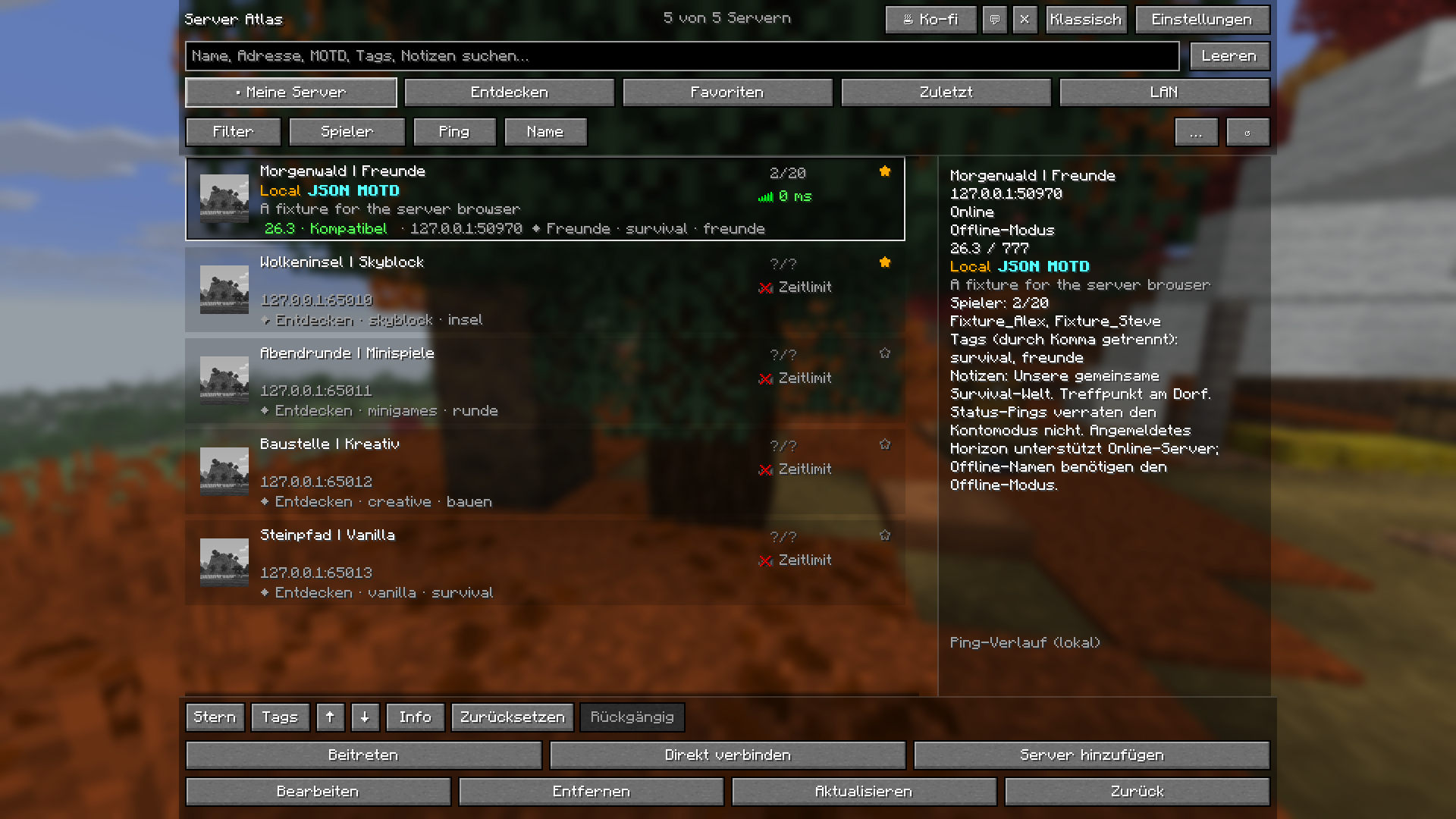
01 / Server list & details
Your worlds. Clearly organized.
The transparent server list in Horizon, with search, favorites and details for the selected server.
Thirteen real captures from the built Horizon mod. From your first search to your personal filter profiles, see how Server Atlas works.
The transparent server list in Horizon, with search, favorites and details for the selected server.
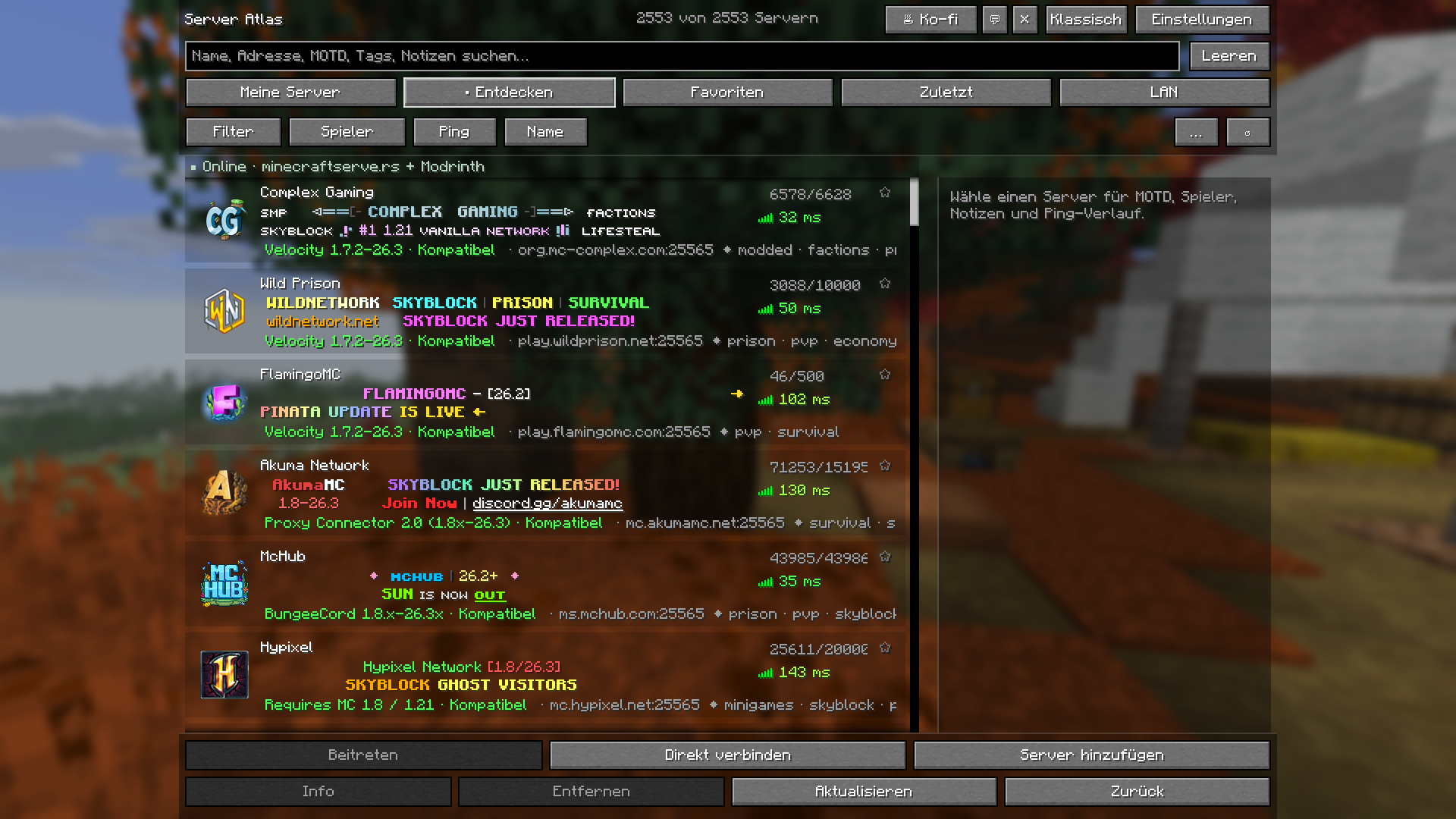
An actual capture of the combined public directory from minecraftserve.rs and Modrinth. Status values reflect the time of capture.
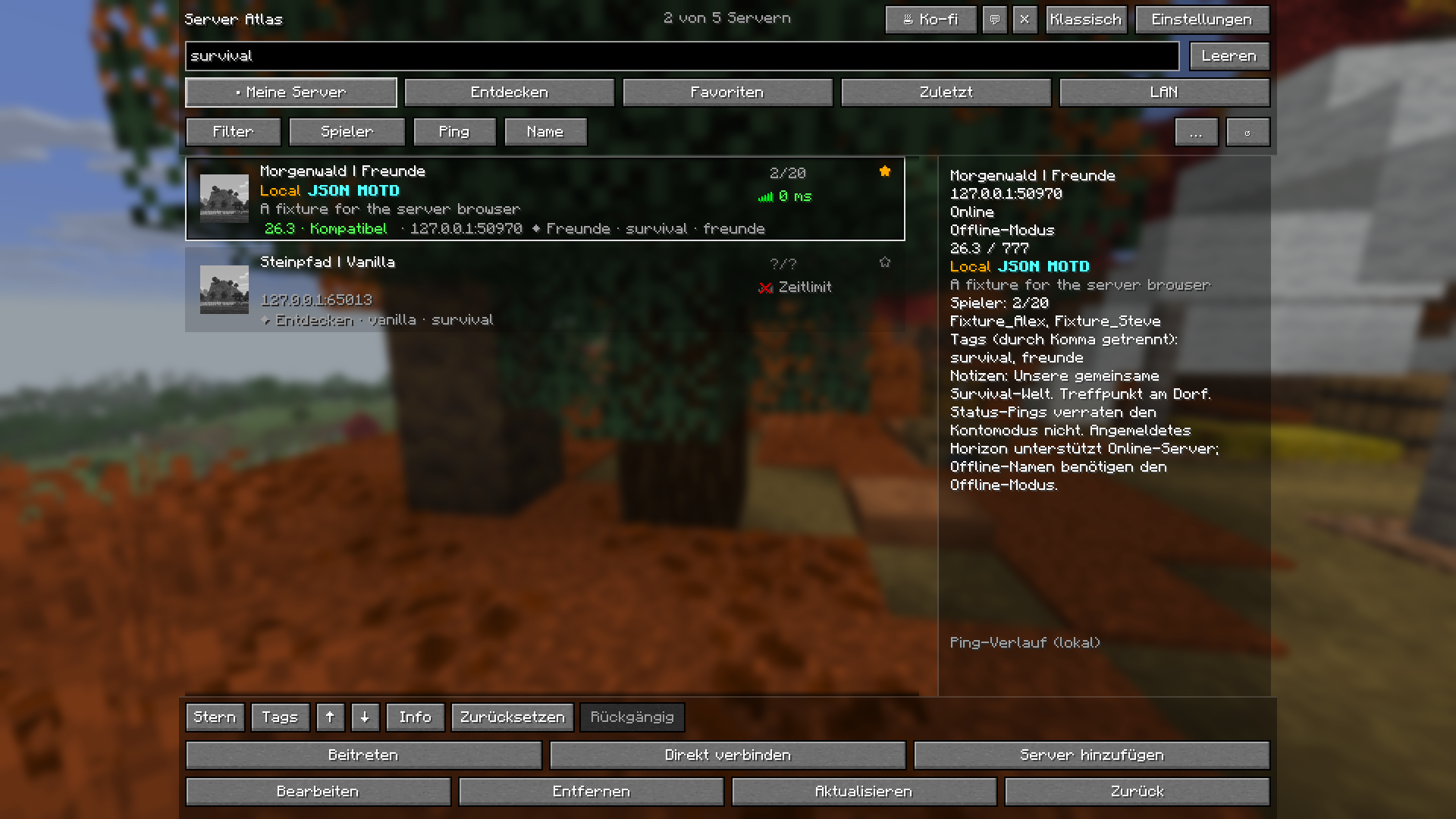
Searching for survival narrows the saved example list. Names, addresses, MOTDs and personal notes can also be searched.
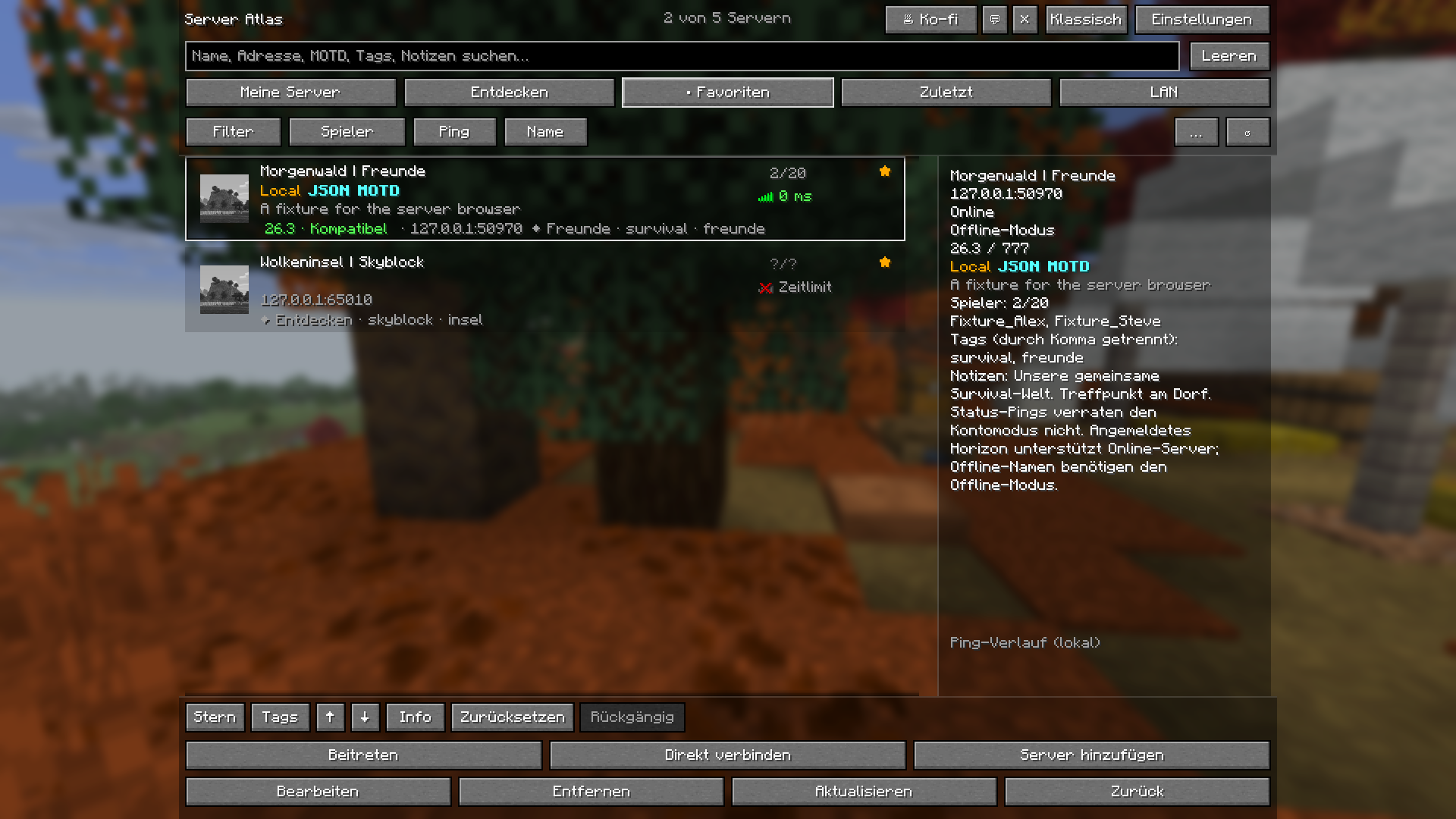
A dedicated tab brings starred servers together. Favorites stay in the local game profile.
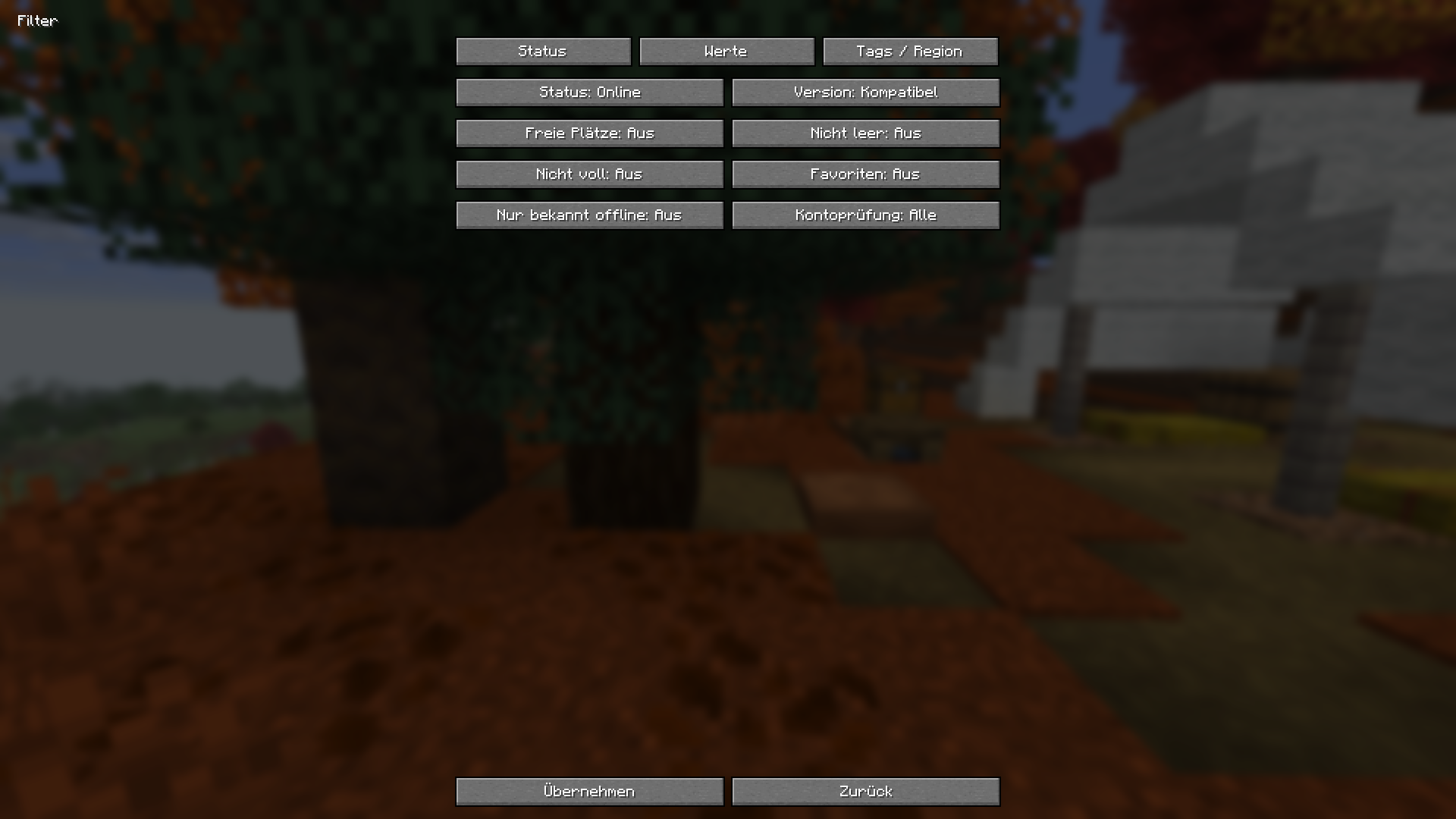
Combine reachability, compatible versions, available slots and other criteria in the actual game UI.
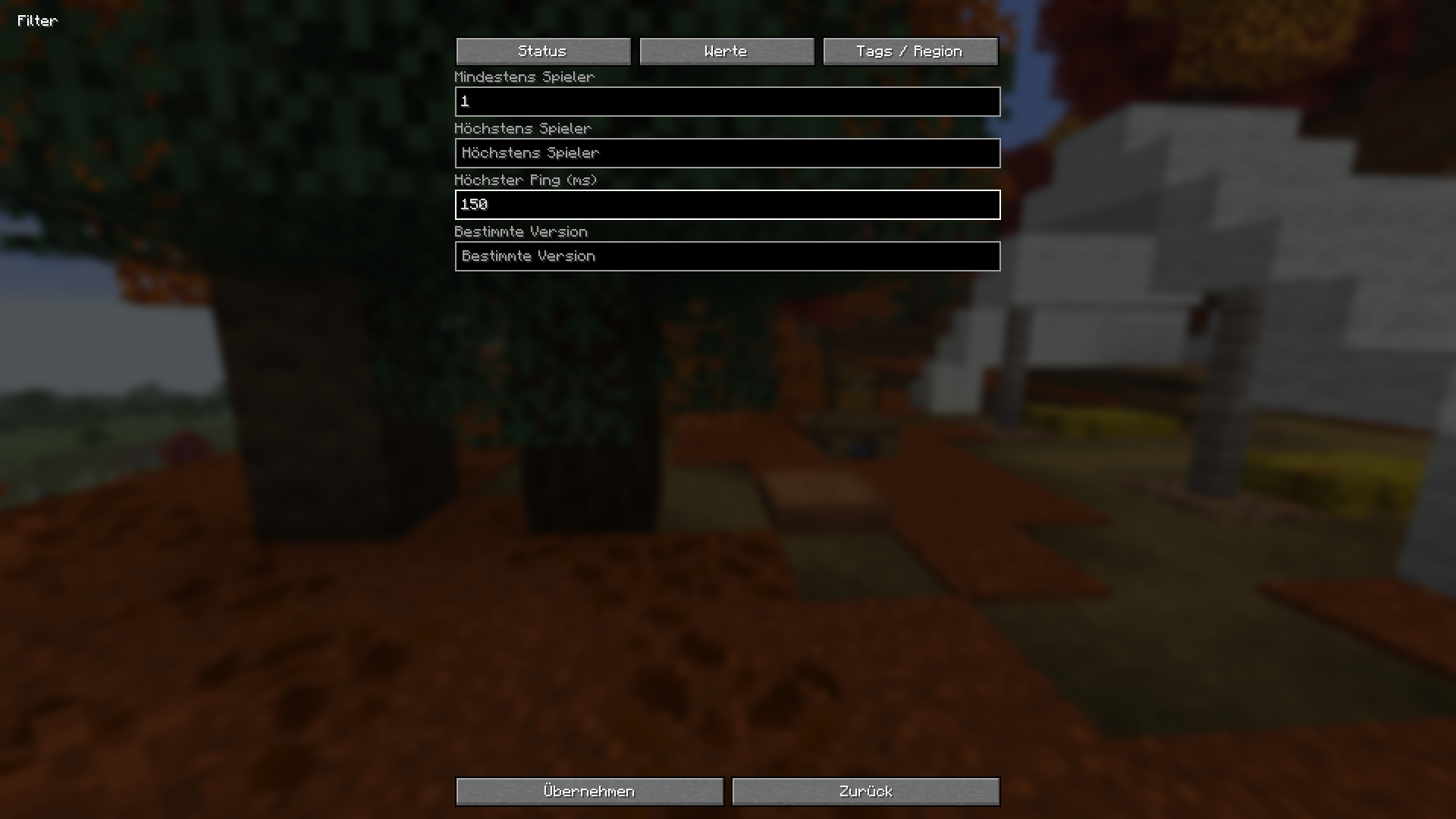
Set a minimum player count or maximum ping using the actual value-filter fields.
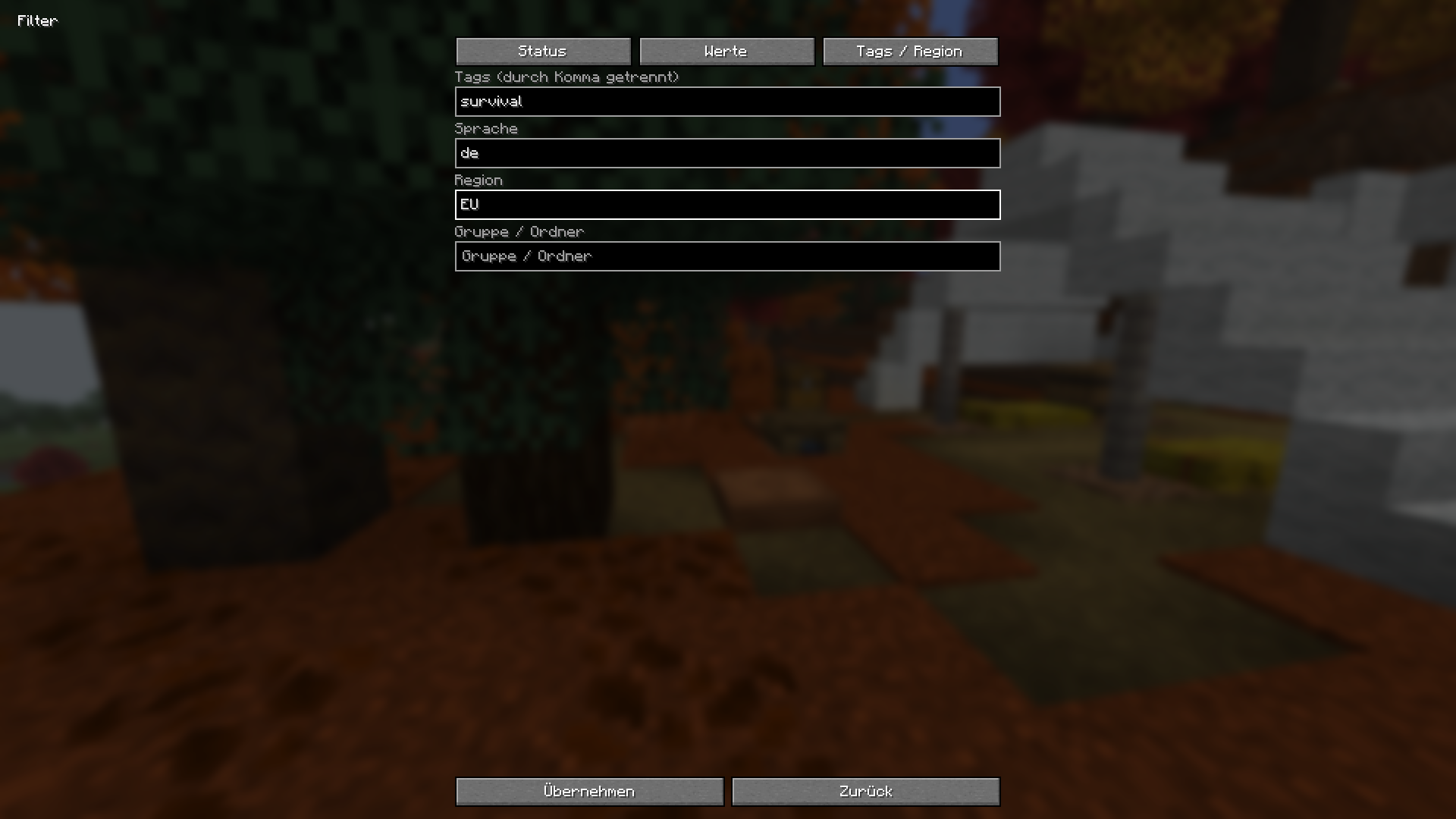
Personal tags, language, region and group help organize and filter your list.
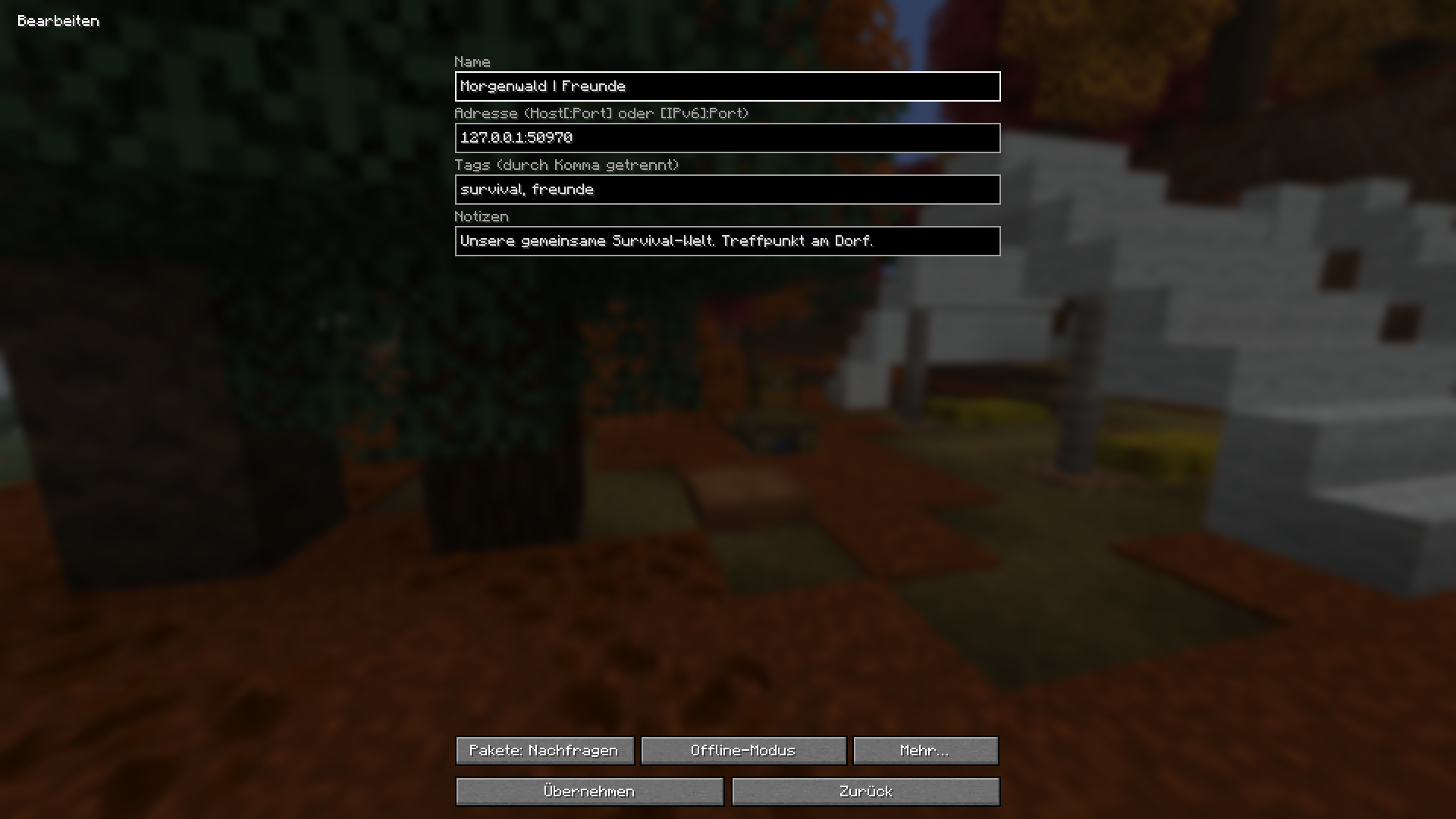
Manage the name, address, tags and personal notes in one place. The pictured entries are example data.
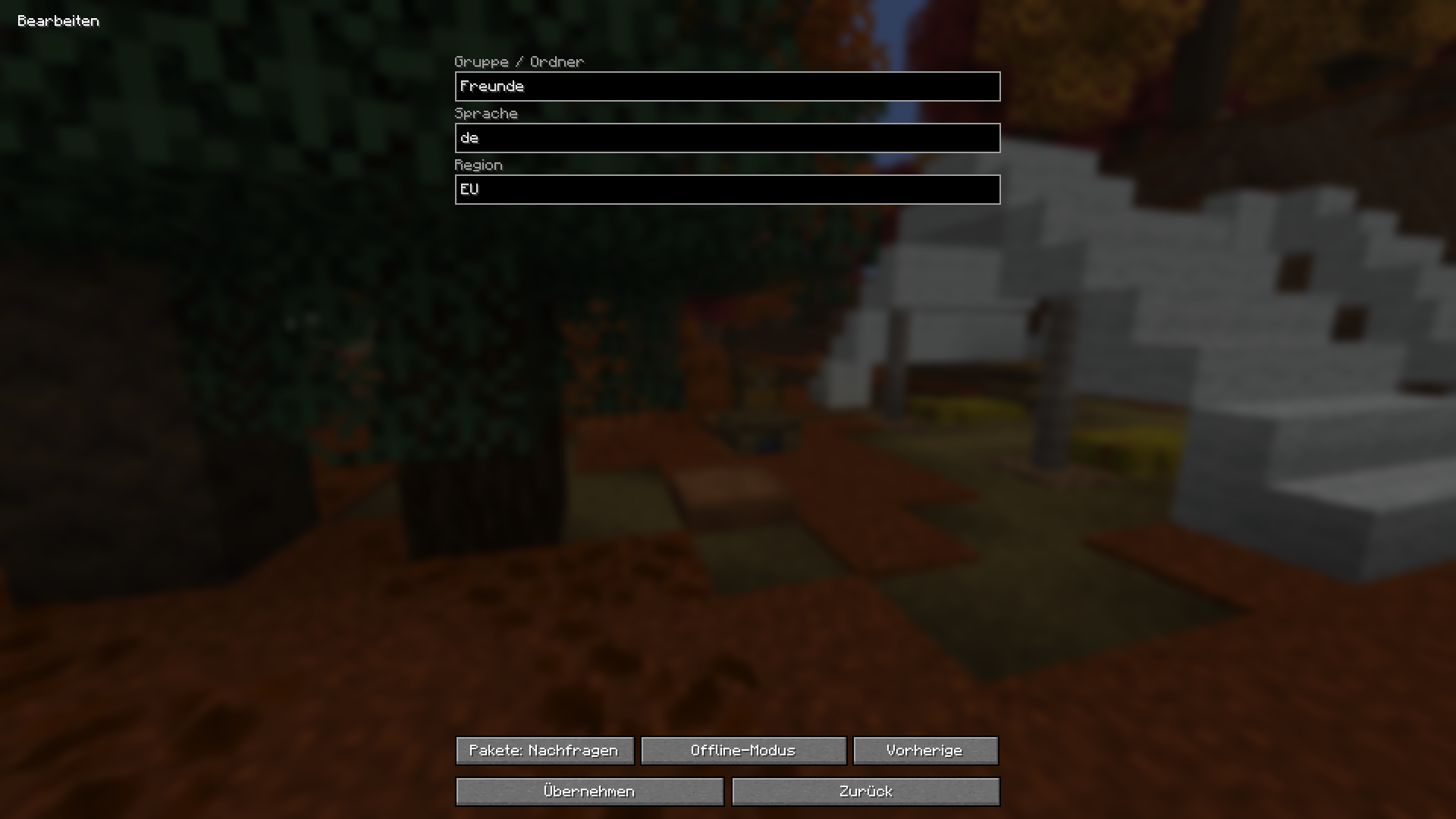
Add a group, language and region to your server. Personal details stay local.
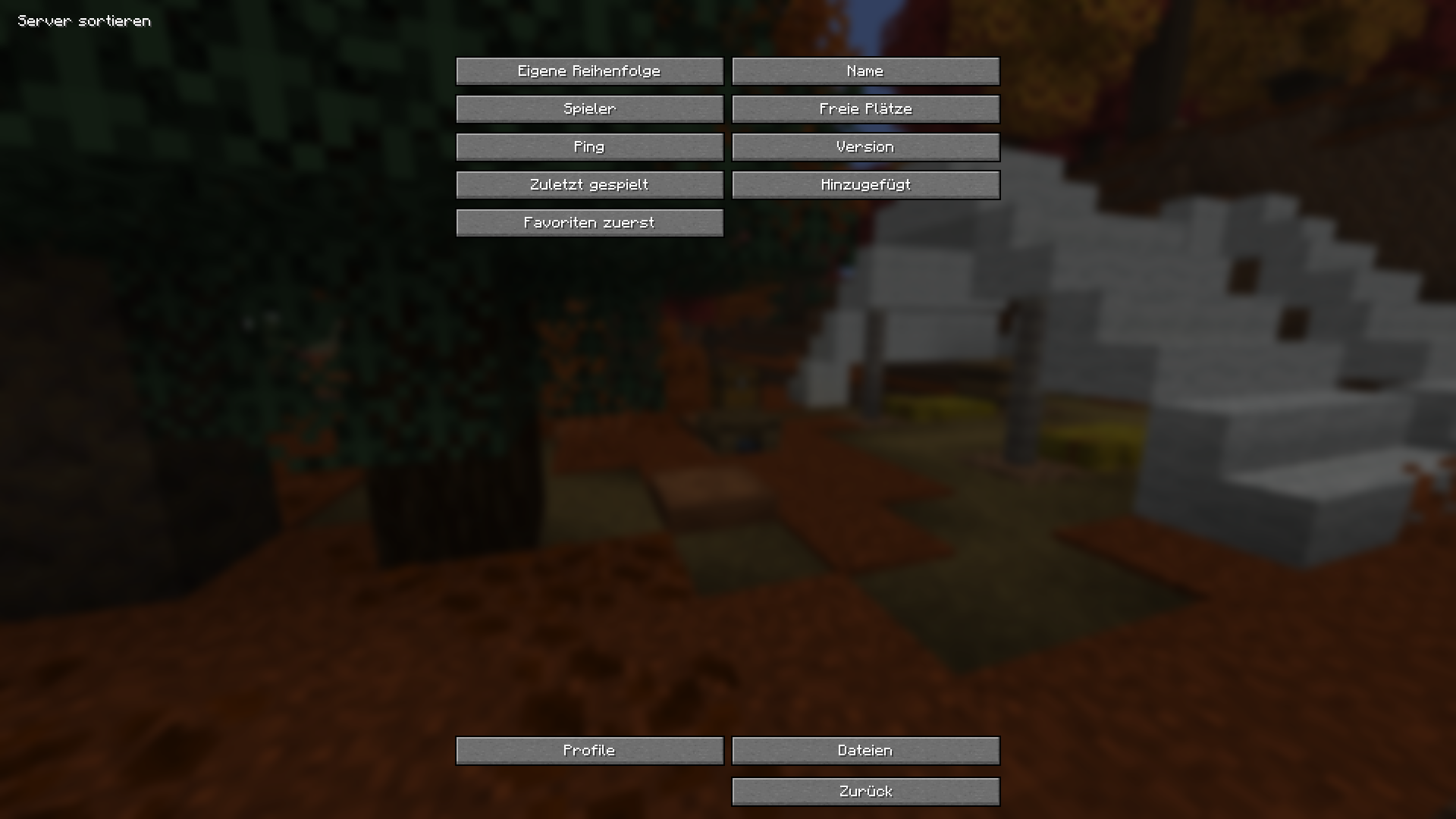
Sort by name, ping or player count, or keep your own custom order.
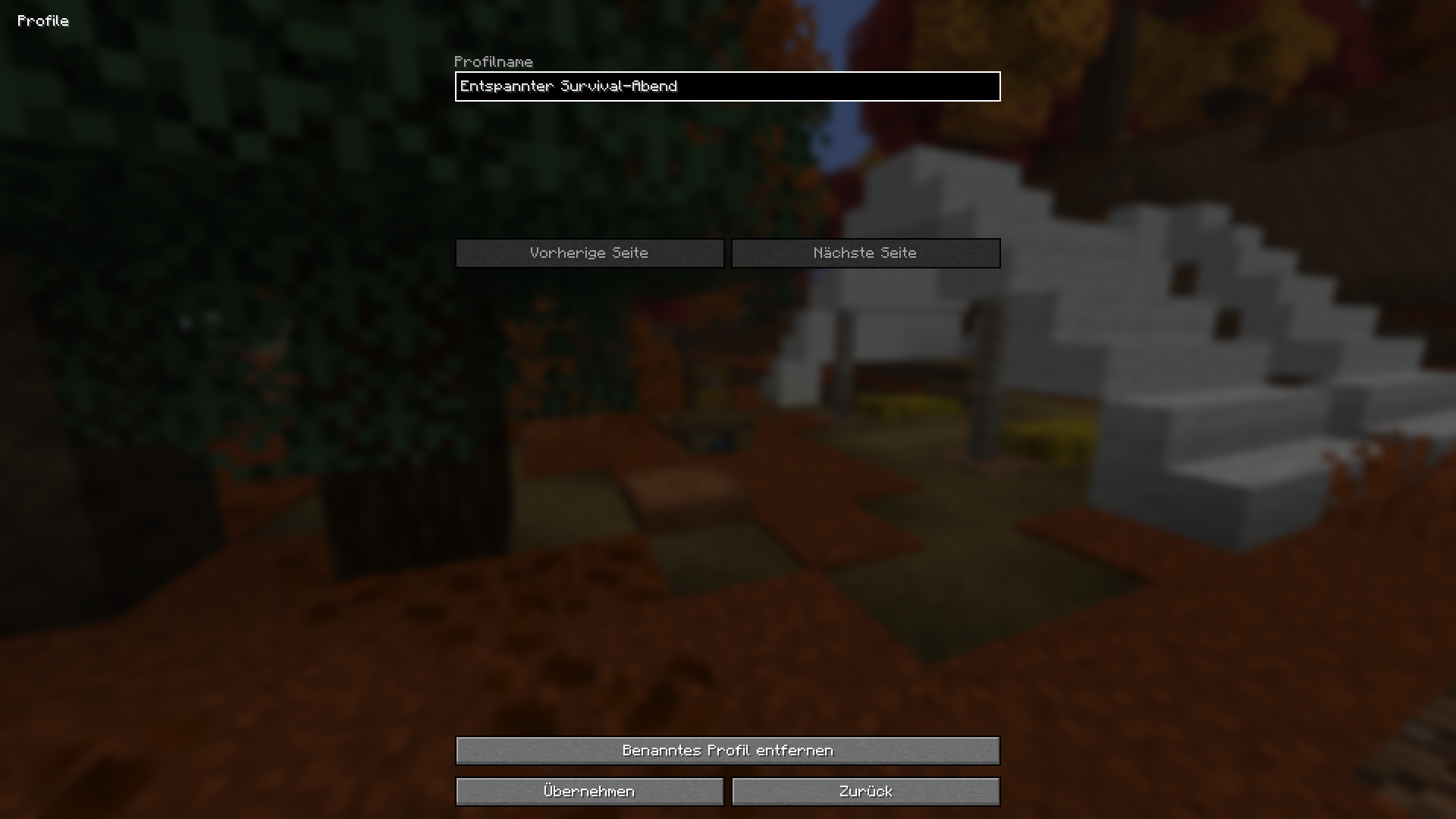
Named profiles reuse your settings for another game night. A new profile is being prepared here.
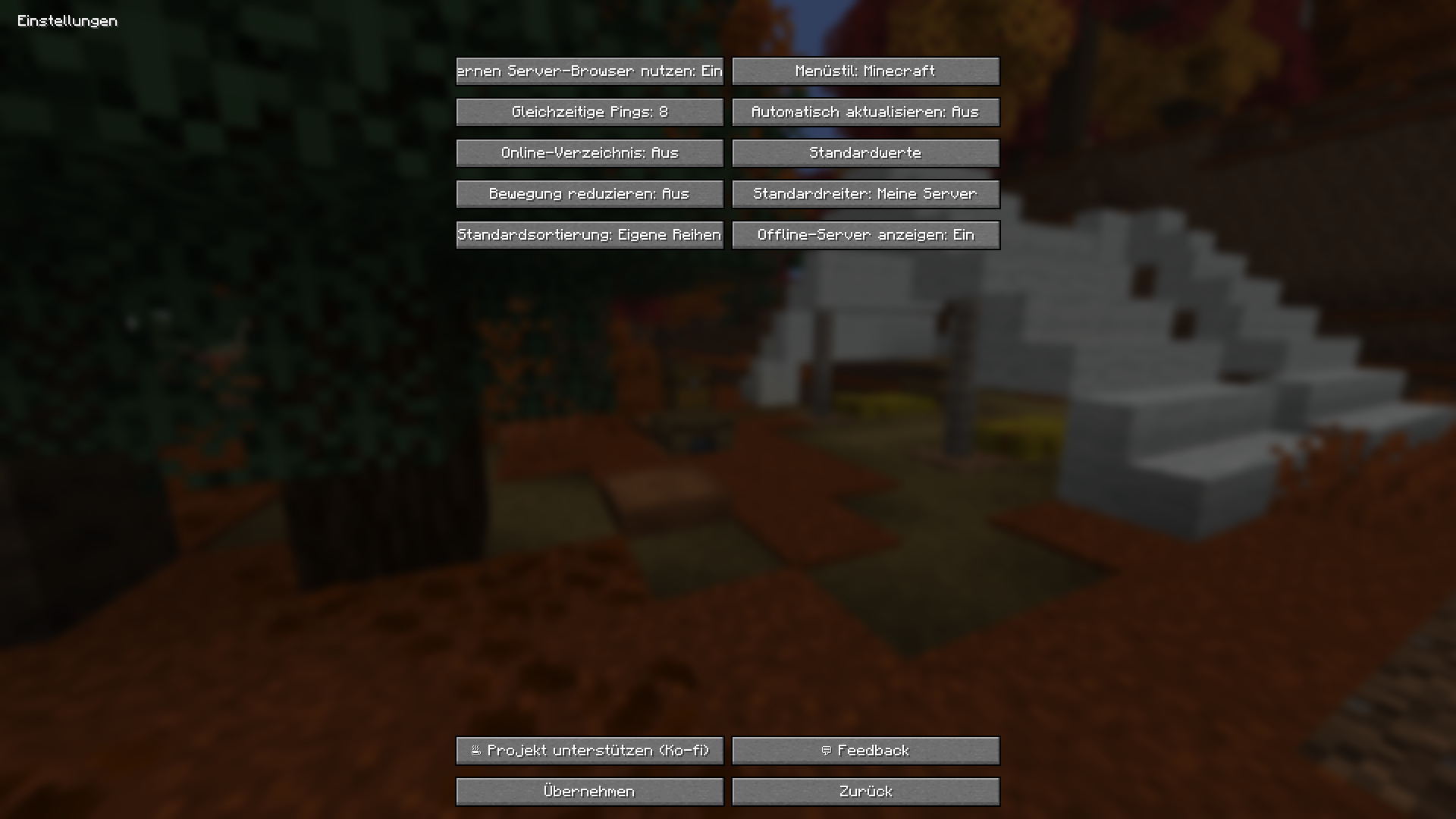
Control appearance, refresh behavior, concurrent status requests and the online directory.
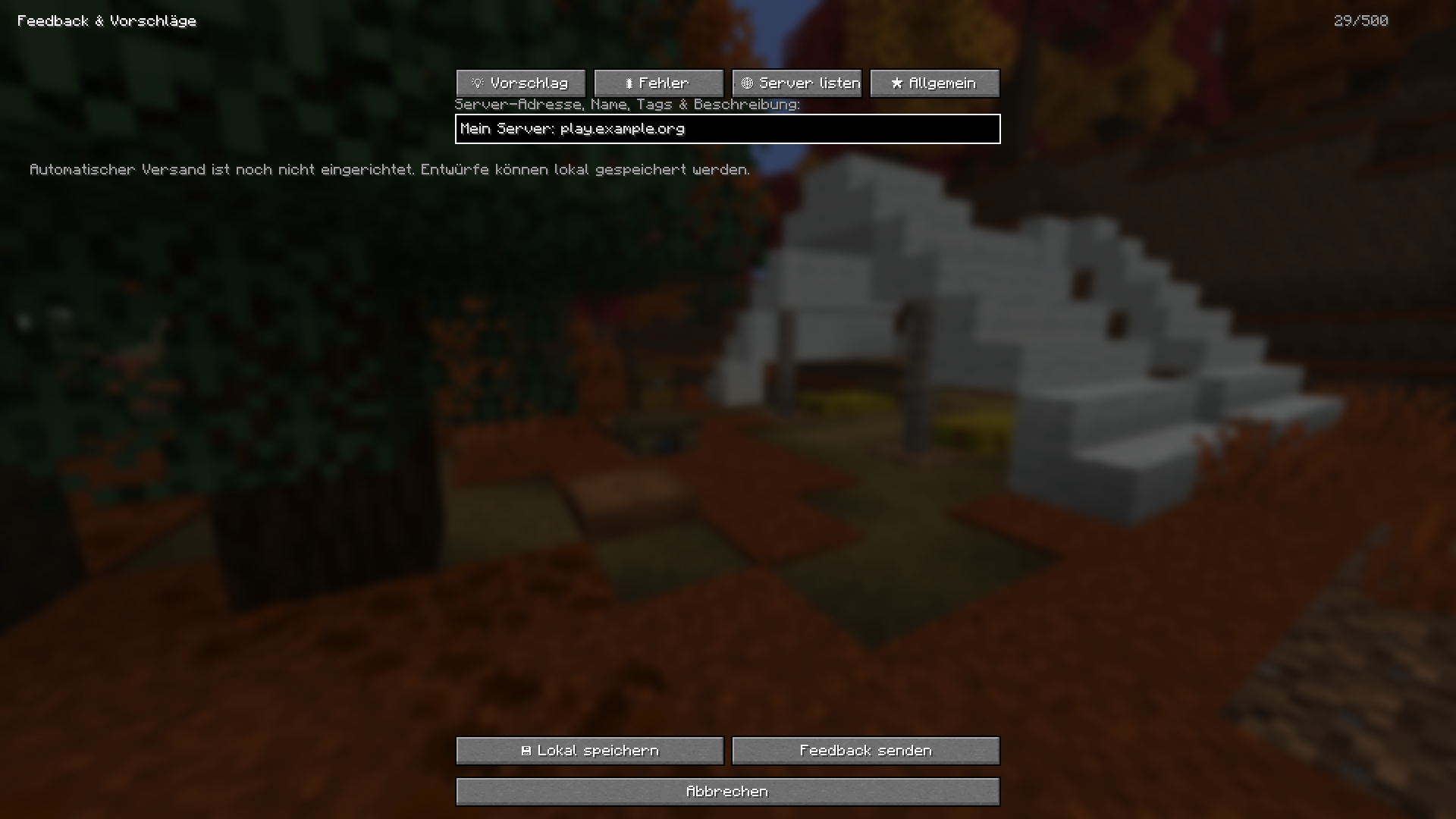
Save a server proposal as a local draft. Automatic email delivery is not configured in this release.
Discover new worlds. Keep your favorite servers. Start your next adventure with Server Atlas.